

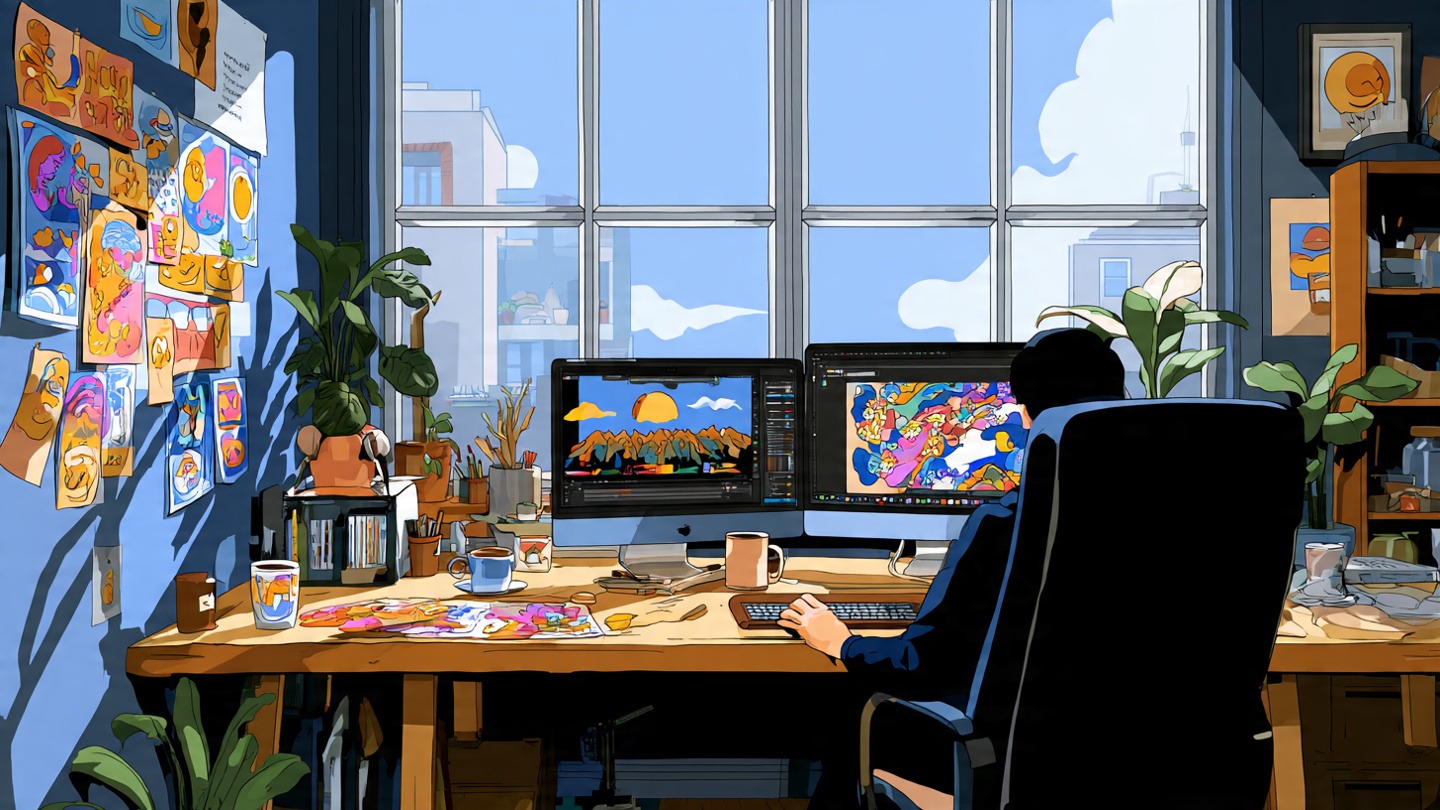
I still remember the first time I tried doing graphic design work on a slow computer. It was one of those moments where you click something in Photoshop… and then just stare at the screen waiting for it to respond. Ten seconds. Maybe twenty. It felt like forever.
If you’re running a design business or even doing freelance work for clients, you quickly realize something: your computer isn’t just a tool. It’s basically your entire workspace. When it’s fast and reliable, your day flows smoothly. When it struggles, every task feels heavier than it should.
A good graphic design computer for business isn’t about buying the most expensive machine you can find. It’s about choosing something that keeps up with your workflow. Design software is demanding, large files pile up quickly, and deadlines don’t wait for loading bars.
So what actually makes a computer “good” for graphic design work? Let’s talk about the things that really matter.
Why Graphic Designers Need a Powerful Computer
Design work looks simple from the outside. People imagine someone casually moving shapes around or picking colors.
But behind the scenes, design software is doing a lot of heavy lifting.
Programs like Photoshop, Illustrator, or After Effects constantly process layers, effects, high-resolution images, and sometimes even video footage. A single design project might include dozens of files, each hundreds of megabytes in size.
Now imagine doing that on a weak machine.
Files take forever to open.
Brush strokes lag.
Rendering takes ages.
And when you’re working with clients, time matters. Waiting for your computer isn’t just frustrating—it slows down the entire business.
A solid computer lets designers stay focused on creativity instead of technical problems.
The Processor (CPU): The Brain of the System
The processor is where most of the work happens. Think of it as the engine inside the computer.
When you apply filters, export designs, or work with complex layers, the processor is doing the calculations behind the scenes.
For graphic design, mid-range processors usually struggle once projects get heavy. That’s why many designers prefer something stronger.
Good options often include:
- Intel Core i7 or i9
- AMD Ryzen 7 or Ryzen 9
- Apple M-series chips
These processors handle multitasking much better. And honestly, multitasking is part of everyday design life. Photoshop open, Illustrator running, maybe a browser with twenty tabs… it adds up.
A powerful processor doesn’t just make things faster. It keeps everything running smoothly while you work.
RAM: The Thing Designers Always Wish They Had More Of
If there’s one upgrade designers rarely regret, it’s more RAM.
RAM controls how many tasks your computer can handle at the same time. Large files, multiple apps, heavy layers—these all use memory.
A computer with only 8GB RAM might feel okay at first. But once projects get bigger, it starts choking.
For business work, most designers recommend:
- Minimum: 16GB RAM
- Comfortable: 32GB RAM
And honestly… if your budget allows it, 32GB feels much nicer. Files load faster, switching between programs feels instant, and the computer doesn’t panic every time you open a big PSD file.
Graphics Card: Helpful, But Not Always the Star
A lot of people think graphic design relies mainly on the graphics card.
That’s partially true—but not entirely.
Photoshop and Illustrator rely heavily on the CPU and RAM, while the GPU helps with certain visual tasks like rendering, 3D work, and some effects.
For typical design work, a decent dedicated GPU is enough. Something like:
- NVIDIA RTX 3060 or higher
- AMD Radeon equivalents
- Apple’s integrated GPUs in newer Macs
Motion graphics, 3D design, and video editing rely more heavily on the graphics card. But for standard design projects, balance across the system matters more than having the most powerful GPU.
Storage: Where Designers Often Run Out of Space
Design files grow… fast.
One branding project might include logos, high-resolution images, mockups, and export files. Multiply that by dozens of clients and suddenly your storage is full.
And traditional hard drives feel painfully slow nowadays.
That’s why SSD storage is almost mandatory for design work.
A practical setup looks something like this:
- 512GB SSD minimum
- 1TB or more recommended
SSDs make everything feel faster—opening files, launching software, saving projects.
Many designers also keep external drives for backups. Losing client work is one of those nightmares you only experience once before taking storage seriously.
The Display: Where Your Work Actually Lives
This part often gets ignored when people shop for computers.
But for designers, the screen might be the most important feature of all.
Colors matter. A lot.
If your display shows colors incorrectly, your designs might look perfect on your screen but completely different on someone else’s device—or worse, in print.
A good design display usually has:
- IPS panel
- High resolution (at least Full HD)
- Strong color accuracy
- Wide color range like sRGB coverage
Many designers also prefer larger screens. Working on detailed layouts or large artboards simply feels easier when you’re not constantly zooming in and out.
Laptop or Desktop? It Depends on Your Workflow
Some designers swear by desktops. Others prefer laptops.
Honestly, both options make sense.
Laptop Benefits
Laptops are portable. You can work from anywhere—home office, café, coworking space, even while traveling.
Many freelancers love that flexibility.
Desktop Benefits
Desktops usually offer better power for the price. They’re easier to upgrade, too.
More RAM, stronger GPU, larger storage… desktops make those upgrades simpler.
If your work happens mostly in one place, a desktop setup with a large monitor can feel incredibly comfortable.
A Quick Note About Cooling and Reliability
Design work can push computers pretty hard, especially during exports or rendering.
That’s why cooling matters more than people realize.
Some thin laptops struggle with heat and slow themselves down to stay cool. That’s called thermal throttling—and it can quietly hurt performance.
Machines built for creative professionals usually manage heat better. They’re designed to handle long editing sessions without slowing down.
The Truth: The “Best” Computer Depends on Your Work
There isn’t one perfect graphic design computer.
A freelancer creating social media graphics doesn’t need the same machine as someone working on complex animations or 3D design.
But the core idea stays the same:
A good design computer should feel effortless to use. Files open quickly. Programs run smoothly. Your creativity flows without interruption.
That’s really the goal.
Technology should stay in the background while the design work takes center stage.
FAQs
How much RAM do graphic designers really need?
Most designers feel comfortable with 16GB RAM. If you regularly work with large files or multiple programs, 32GB makes things much smoother.
Is a Mac better than a Windows computer for graphic design?
Both platforms work well. Macs are popular in creative industries because of their displays and optimization, while Windows machines offer more hardware variety and upgrade options.
Do graphic designers need a dedicated graphics card?
Not always. For basic design work, integrated graphics can handle many tasks. Dedicated GPUs become more useful for motion graphics, video editing, and 3D projects.
Is a laptop powerful enough for professional design work?
Yes—many modern laptops handle professional design tasks easily. The key is choosing one with a strong processor, enough RAM, and a color-accurate display.
What’s the most important component in a design computer?
It’s usually a balance between the processor and RAM. Together, they determine how smoothly design software runs during daily work.
