

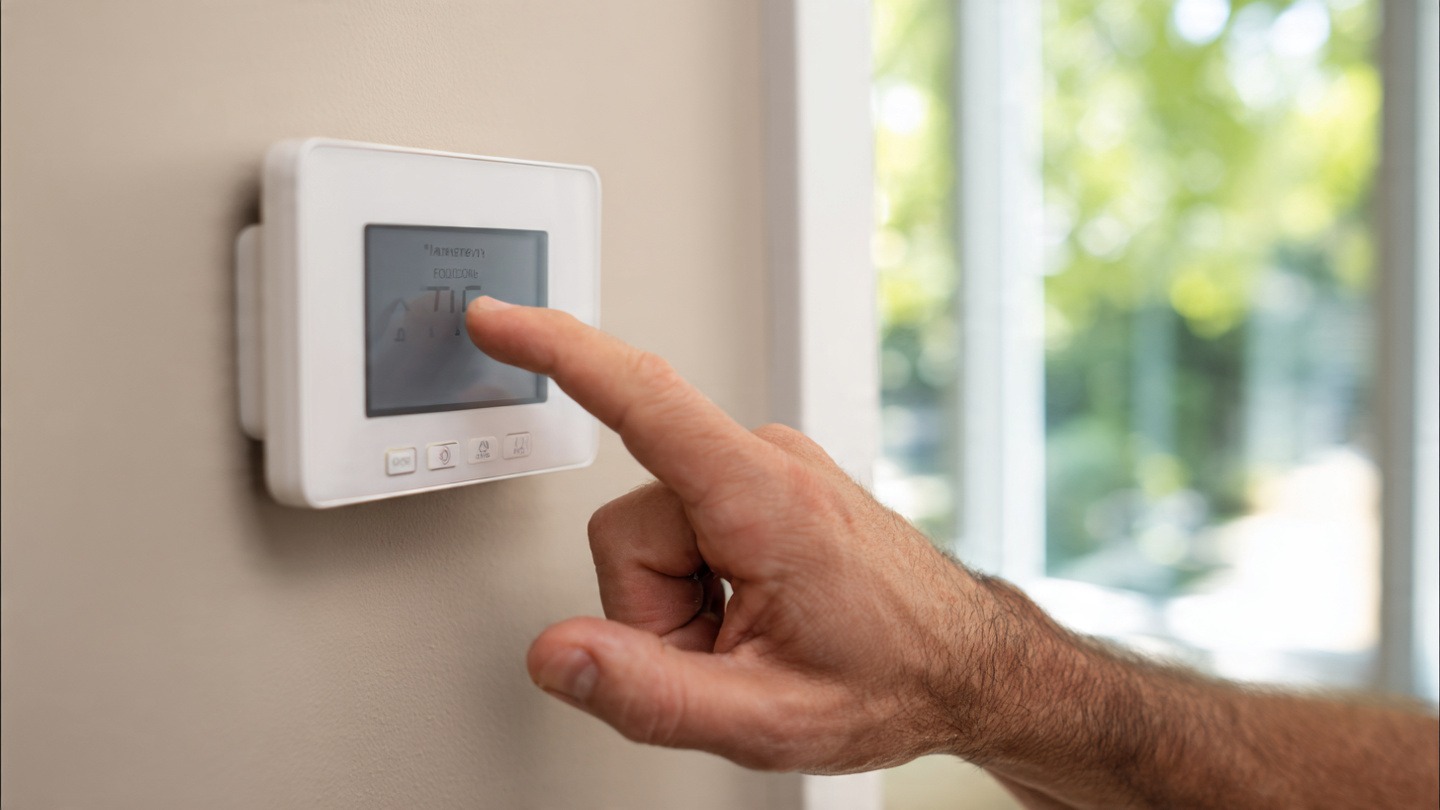
Last winter, I woke up at 3:17 a.m. freezing. Not the “grab an extra blanket” kind of cold. The kind where you can see your breath and start questioning your life choices. I shuffled to the hallway and stared at the thermostat glowing on the wall. It looked fine. But the house? Icebox.
If your Honeywell thermostat not working is the reason you’re reading this right now, I get it. It’s frustrating. It’s inconvenient. And it always seems to happen at the worst possible time.
Before you panic and call a technician (and possibly pay a hefty service fee), let’s walk through a few simple things that might fix the issue in minutes.
First, Take a Breath
Most thermostat problems aren’t dramatic. They’re small. Loose wire. Dead battery. Wrong setting. I’ve seen people assume their entire HVAC system died… when it was just two AA batteries.
So let’s start with the basics.
1. Check the Batteries (Yes, Really)
Why this matters
A huge number of Honeywell models run on batteries—even some wired ones use them as backup.
If the screen is blank, flickering, or acting strange:
- Remove the thermostat from the wall plate.
- Replace the batteries with fresh ones (don’t mix old and new).
- Wait a minute before snapping it back in.
I once replaced batteries that were only “a few months old.” Turns out they were cheap ones from a drawer I’d forgotten about. Lesson learned.
2. Look at the Circuit Breaker
Sometimes the thermostat isn’t the problem at all.
Go to your electrical panel and check for a tripped breaker. If the HVAC breaker is off or halfway flipped, reset it fully.
Flip it off.
Then back on.
If it trips again immediately, stop there. That’s a sign of a deeper issue and worth a professional look.
3. Make Sure It’s Actually Set Correctly
This sounds obvious. But you’d be surprised.
Double-check:
- Is it on Heat or Cool, not just “Fan”?
- Is the temperature set higher (for heat) or lower (for AC) than the current room temp?
- Is it in “Hold” mode or following a schedule?
I once spent 20 minutes troubleshooting before realizing it was still programmed for summer scheduling. Not my proudest moment.
4. Reset the Thermostat
Sometimes electronics just… glitch. It happens.
Quick reset method (varies by model)
- Remove batteries.
- Turn off power at breaker.
- Wait 5 minutes.
- Restore power and reinsert batteries.
Some models have a reset button in the menu settings. If yours does, use that first.
After resetting, reconfigure basic settings and test again.
5. Check for a Blank or Dim Screen
If the screen is blank even with fresh batteries:
- Make sure it’s firmly connected to the wall plate.
- Inspect for corrosion on battery terminals.
- Check if the furnace switch (usually near the unit) is turned off.
There’s often a small power switch near the indoor HVAC unit that looks like a light switch. If that’s off, the thermostat won’t communicate properly.
6. Inspect the Wiring (Carefully)
If you’re comfortable removing the thermostat faceplate, take a look behind it.
Look for:
- Loose wires
- Disconnected C-wire
- Burn marks (rare, but possible)
Don’t yank anything. Just gently confirm wires are secured in their terminals.
If you’re unsure, this is where I’d personally stop. Electricity isn’t something to experiment with.
7. Wi-Fi Models Acting Strange?
If you’re using a smart Honeywell thermostat and it’s connected to Wi-Fi:
- Restart your router.
- Check for firmware updates.
- Reconnect to the network.
I’ve had my smart thermostat randomly disconnect after a router reset. It wasn’t broken. Just needed to reconnect.
8. Furnace or AC Might Be the Real Problem
Here’s something people don’t always realize.
If the thermostat turns on but no air comes out, the issue might be the HVAC unit itself.
Check:
- Air filter (clogged filters can shut systems down)
- Furnace pilot light (older systems)
- Error codes on the unit
A dirty filter once shut my system down completely. A $15 replacement fixed it.
9. Check the Float Switch (If You Have One)
If your AC drain line gets clogged, the safety float switch can shut the system off.
Look for water near the indoor unit. If there’s standing water, that could be your culprit.
Clearing the drain line might restore everything.
10. Try a Factory Reset (Last Resort)
If nothing else works and the screen is responsive, try a full factory reset through the settings menu.
Keep in mind:
- You’ll lose custom schedules.
- You’ll need to reconfigure system type.
If it still won’t function after that, it may actually be defective.
When It’s Time to Call a Technician
There’s no shame in calling for help.
If:
- Breakers keep tripping
- Wires look damaged
- The thermostat won’t power on at all
- HVAC unit makes loud or strange noises
That’s your cue.
Sometimes spending a little upfront prevents bigger damage later.
Final Thoughts
Thermostat issues feel dramatic in the moment. Especially when the house is freezing or boiling. But most of the time, it’s something small. Batteries. Settings. A flipped switch.
Start simple. Go step by step. Don’t assume the worst.
And if your Honeywell thermostat not working turns out to be something major, at least you’ll know you checked everything reasonable first.
That peace of mind? Worth it.
FAQs
Why is my Honeywell thermostat on but not heating?
It could be set to the wrong mode, the temperature may not be set high enough, or your furnace may not be responding. Check the filter and breaker first.
Why is the screen blank even after replacing batteries?
Make sure the unit is properly connected to the wall plate and check the circuit breaker. Some models rely on system power, not just batteries.
How long do Honeywell thermostat batteries last?
Usually 8–12 months, depending on usage and model. I replace mine once a year just to avoid surprises.
Should I replace my thermostat if it keeps failing?
If it’s over 8–10 years old and troubleshooting doesn’t help, replacement might be more cost-effective than repeated service visits.
