

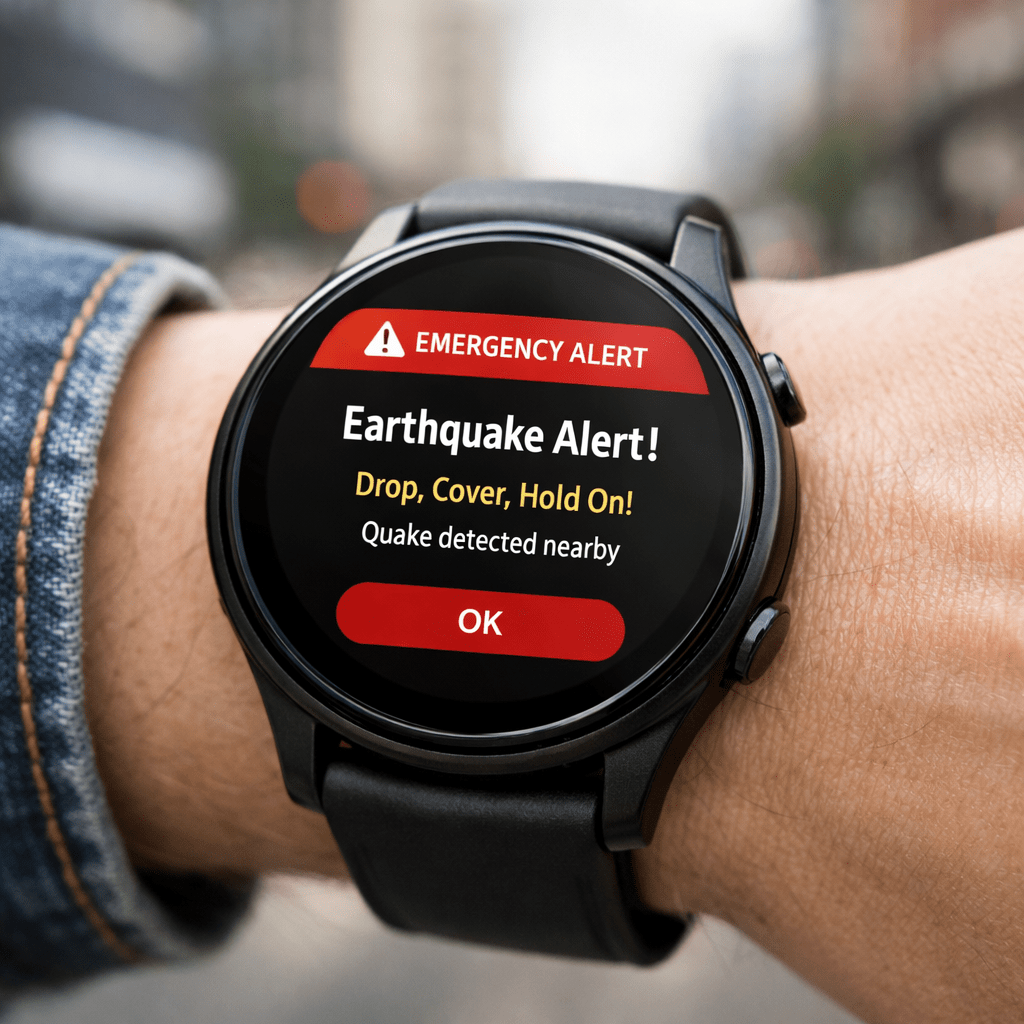
Google has been improving its earthquake detection system for Android phones for a while. The system uses smartphone sensors to detect tremors and then sends alerts to users in affected areas. It’s clever, low-cost, and has already proven useful in several regions.
Now, that same protection is extending to Wear OS smartwatches — and not just as a mirrored phone notification. We’re talking about standalone earthquake alerts on Wear OS devices.
That small difference? It’s bigger than it sounds.
What Does “Independent” Earthquake Alerts Actually Mean?
When people hear “independent,” they might assume it’s just a marketing word. But in this case, it matters.
No Phone Required at the Moment of Alert
Previously, if your Android phone received an earthquake warning, your smartwatch might show it — but only if it was actively connected and synced. If your phone was in another room, low on battery, or simply disconnected, you could miss the alert.
With this update, supported Wear OS devices can receive earthquake alerts directly through Google Play Services.
So even if:
- Your phone is charging in another room
- You’re out for a jog without your phone
- Your phone battery is dead
Your smartwatch can still notify you.
That’s a practical upgrade. Not flashy. Just useful.
How Google’s Earthquake Alert System Works
Google’s earthquake detection system relies on a network of Android devices. Phones act like mini seismometers. When multiple devices detect similar shaking patterns in a region, Google’s system analyzes the data in real time and sends warnings to people nearby.
Now, Wear OS is becoming part of that notification chain.
Powered by Google Play Services
The update comes through Google Play Services, which means you don’t necessarily need a full system update. Google can push improvements quietly in the background.
That’s one of the underrated strengths of the Android ecosystem. Features evolve without forcing users to manually install big firmware updates.
And in this case, that flexibility helps deliver safety-related features faster.
Why This Update Actually Matters
Let’s be honest. Smartwatch updates usually focus on fitness metrics, new watch faces, or battery optimization. Nice to have, sure. But earthquake alerts? That’s different.
Seconds Can Make a Difference
Earthquake alerts don’t usually give you minutes of warning. Sometimes it’s just a few seconds.
But a few seconds can mean:
- Stepping away from a glass window
- Getting under a desk
- Moving away from heavy shelves
If your watch vibrates instantly on your wrist, you’re more likely to notice it than if your phone is buried in a bag or across the room.
And that immediacy is the real value here.
Which Wear OS Devices Will Support It?
Google hasn’t limited the feature to one specific smartwatch model. If your device runs a recent version of Wear OS and supports the latest Google Play Services update, you’ll likely receive earthquake alerts where the service is available.
It will still depend on:
- Your region
- Local earthquake alert coverage
- Device compatibility
So it’s not universal yet. But the direction is clear — Google is treating Wear OS as more than just an accessory.
Wear OS Is Becoming More Independent
This update signals something bigger.
For years, smartwatches mostly acted as companions. Notifications, call alerts, fitness tracking — all tied closely to the phone. But features like standalone earthquake alerts show a shift.
Wear OS devices are slowly becoming more self-reliant.
We’ve already seen:
- LTE-enabled watches
- Offline music playback
- Contactless payments
- Built-in GPS
And now, real-time safety alerts without needing your phone in your hand.
It makes the smartwatch feel less like a secondary screen and more like a device that stands on its own.
Real-World Scenario: Why It Makes Sense
Picture this.
You’re out for a morning run. No phone, just your Wear OS watch tracking your pace. Suddenly, your wrist buzzes sharply with an earthquake alert.
You stop. You look around. You move away from a wall or building edge. And seconds later, you feel the ground shake.
That kind of awareness changes how you react.
It’s not dramatic. It’s not sci-fi. It’s just practical technology doing what it’s supposed to do — help.
Why This Update Matters for Wear OS Users
From a tech perspective, the phrase “Wear OS independent earthquake alerts” isn’t just a headline — it reflects a deeper push toward device-level safety integration.
Search trends around:
- Wear OS updates
- Google Play Services features
- Earthquake alert system on Android
- Standalone smartwatch notifications
are increasing whenever Google rolls out regional safety tools.
And this feature fits right into that ecosystem.
A Small Update, But a Smart One
Sometimes the most meaningful updates aren’t the loudest.
No redesigned interface. No flashy hardware reveal. Just a background service upgrade that could alert you when it truly matters.
I like updates like this. They feel thoughtful.
Wear OS getting independent earthquake alerts through Google Play Services isn’t about adding another feature to a spec sheet. It’s about quietly improving real-world usefulness.
And in a world where smart devices often chase trends, that’s refreshing.
FAQs
Do I need to install a separate app for earthquake alerts on Wear OS?
No. The feature is delivered through Google Play Services. If your device is supported and your region offers earthquake alerts, it should work automatically once updated.
Will my watch detect earthquakes on its own?
The watch doesn’t act as a seismometer like Android phones in Google’s detection network. It receives alerts generated by Google’s earthquake detection system.
Does this work worldwide?
Not everywhere. Google’s earthquake alert system is available in selected regions. Availability depends on local coverage and government partnerships.
How do I check if my Wear OS watch is updated?
Open Settings on your watch, go to System, and check for updates. Also ensure Google Play Services is up to date through the Play Store.
Is this feature available on older Wear OS devices?
It depends on device compatibility and software version. Newer Wear OS models are more likely to support it fully.
